
Cyber security, filtering and safeguarding for schools
Nobody breaks in. They log in.
Filtering, identity, backup and monitoring are four of the things the DfE expects you to have in place by 2030, and the first things an insurer asks about. We tell you where you actually stand against each, close the gaps in the order that matters, and make sure that if something does get in it can be contained and recovered rather than negotiated with.

What’s included
Six things that keep the school safe, compliant and able to recover.
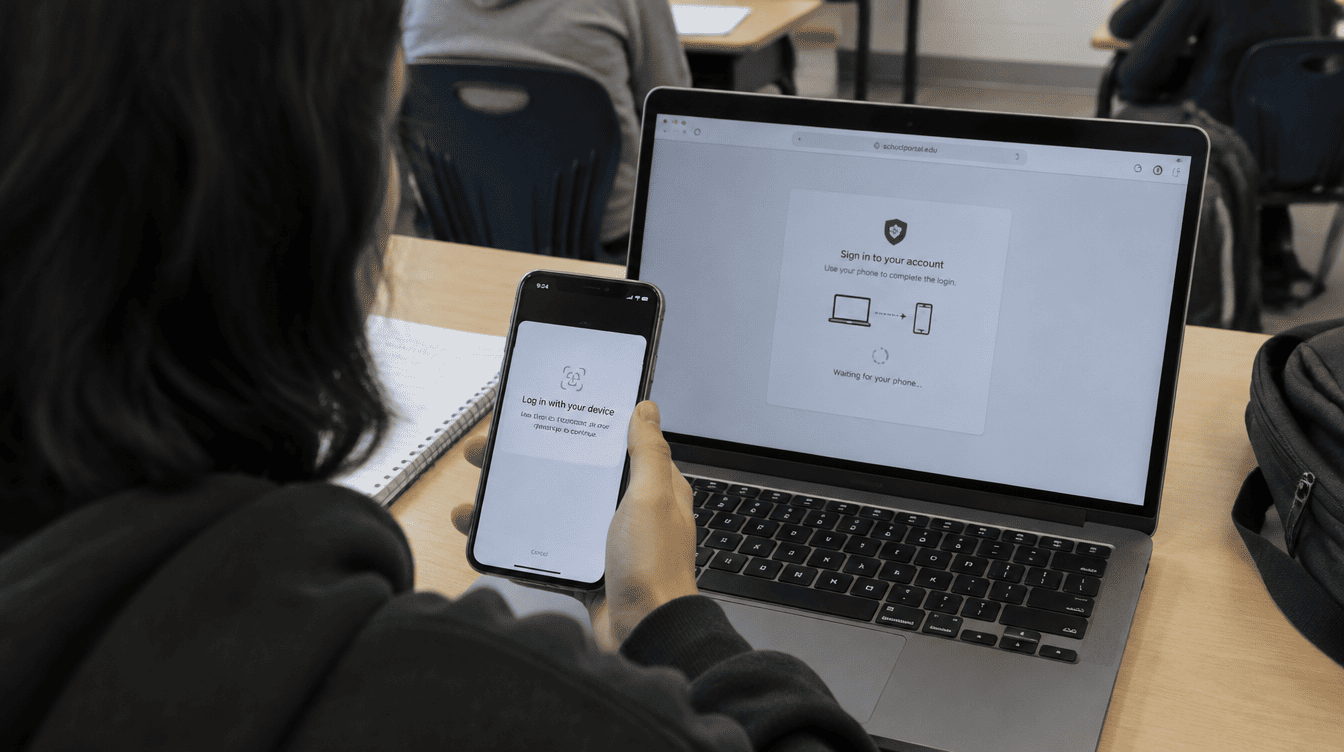
Identity and access management
Multi-factor authentication and conditional access, so a stolen password on its own isn’t enough to get in. Joiners, movers and leavers handled properly rather than accounts left open for years.
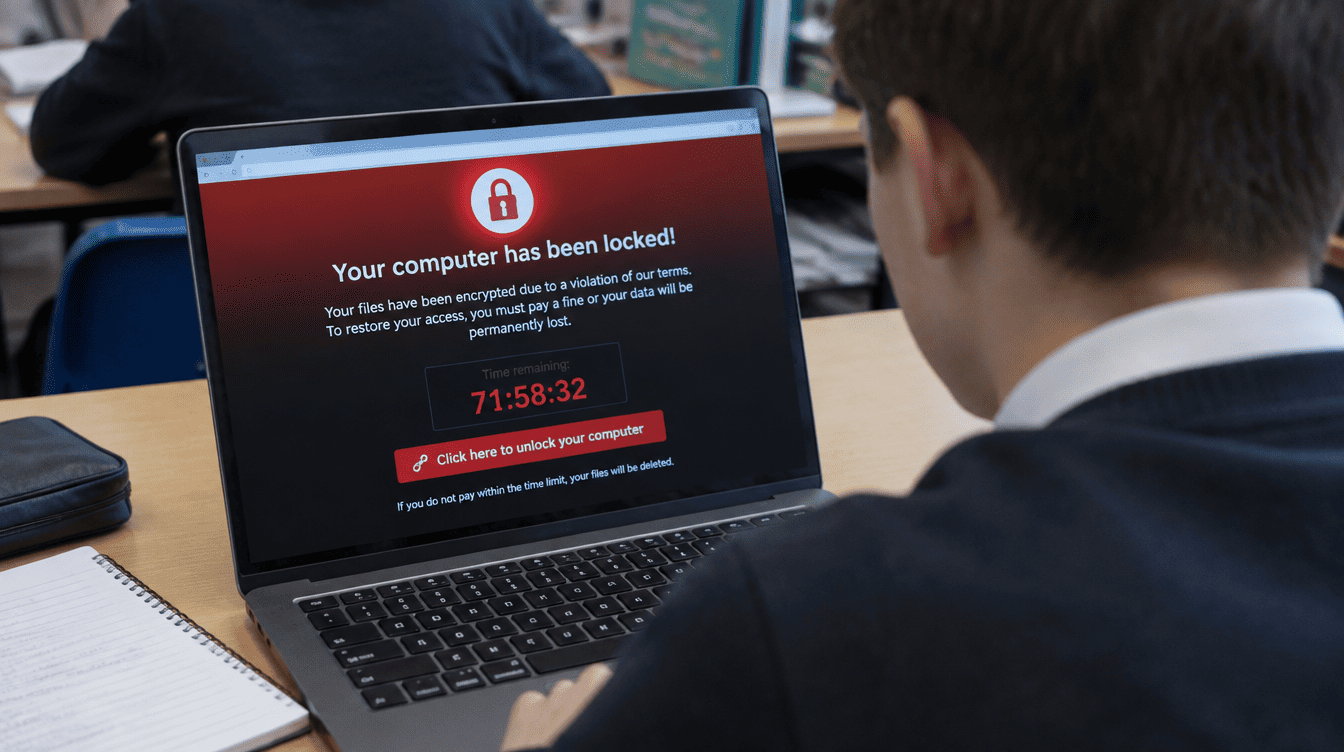
Endpoint security and EDR
Advanced threat detection on every device, with the ability to isolate a machine the moment it starts behaving oddly rather than waiting for somebody to report it.
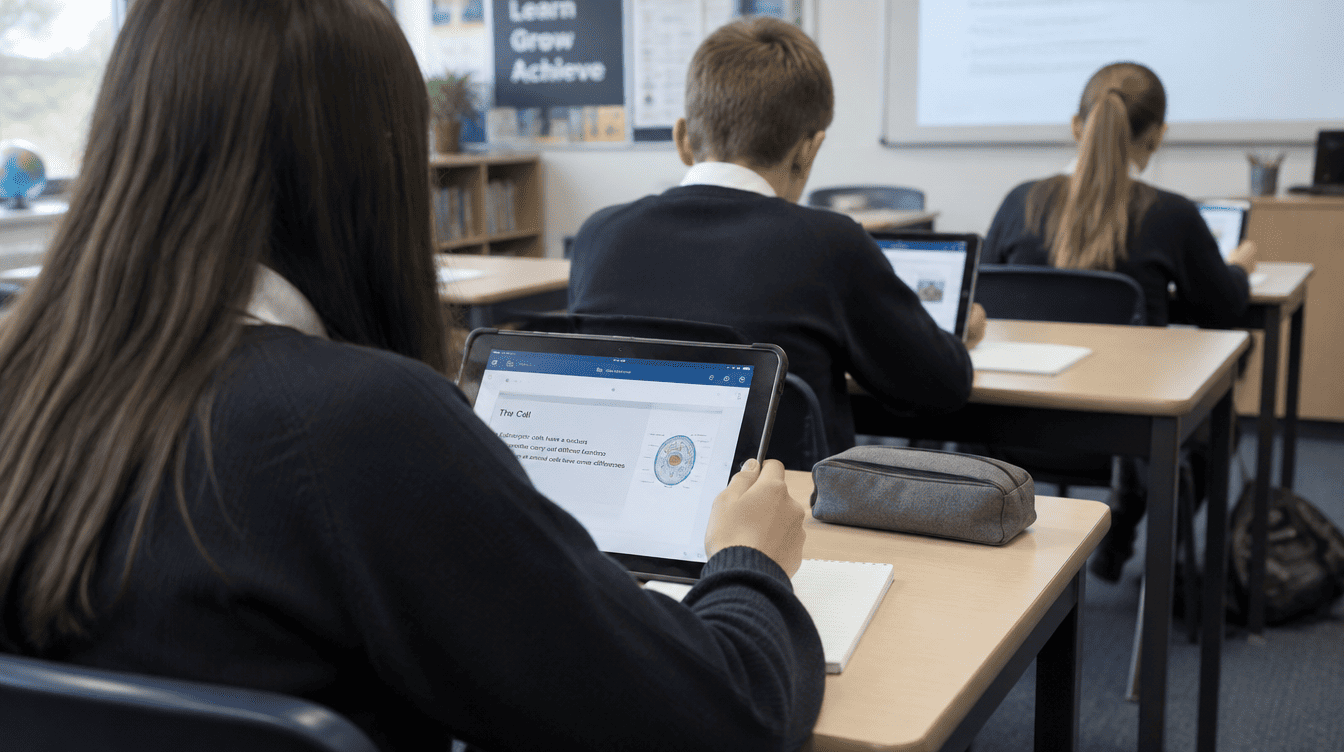
Filtering and monitoring
Age-appropriate browsing and secure DNS across the site, meeting the DfE filtering and monitoring standard, with reporting a designated safeguarding lead can actually use.
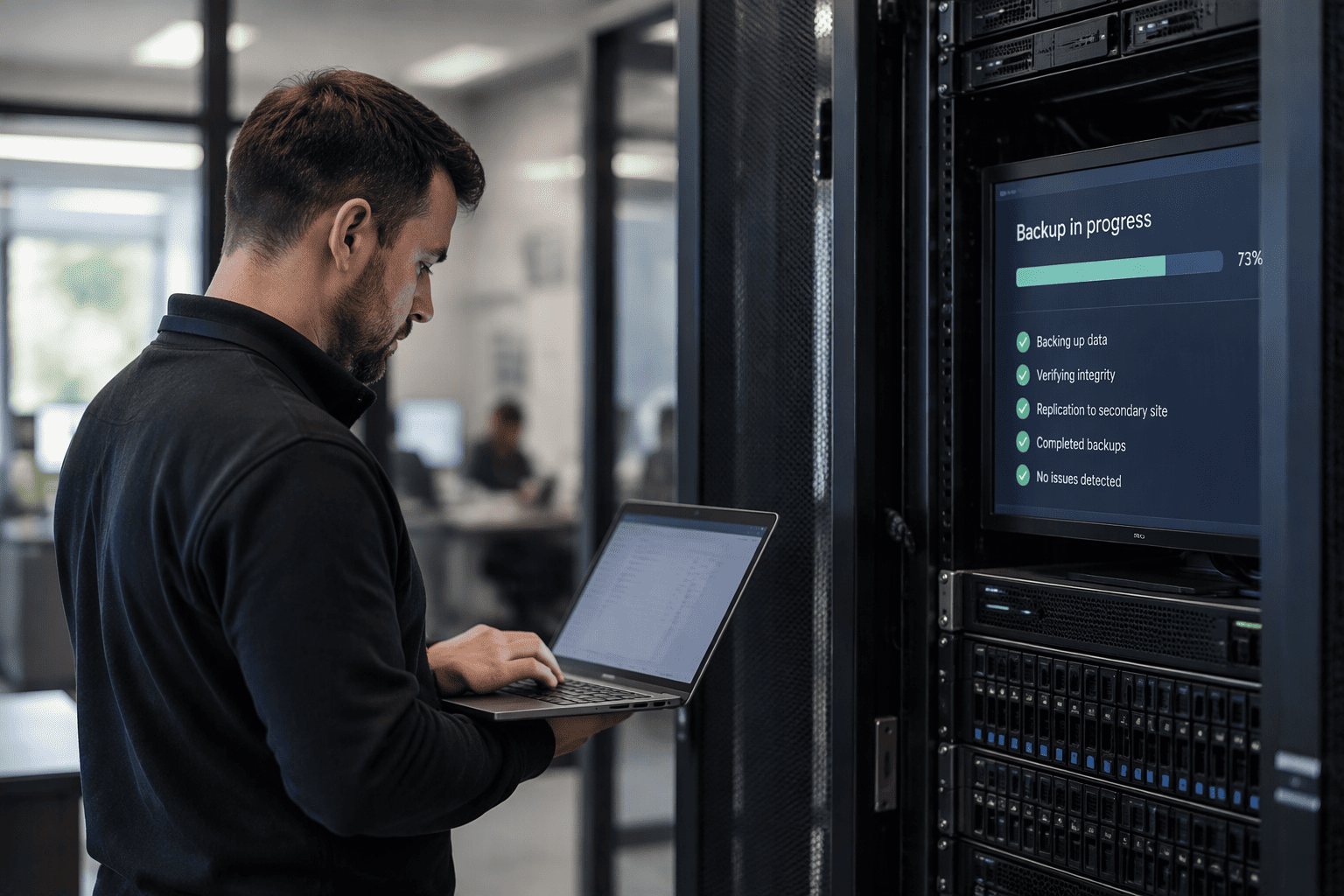
Backup and recovery
Immutable backups of Microsoft 365, Google Workspace and your servers, proven by restoring them rather than assumed to be working.
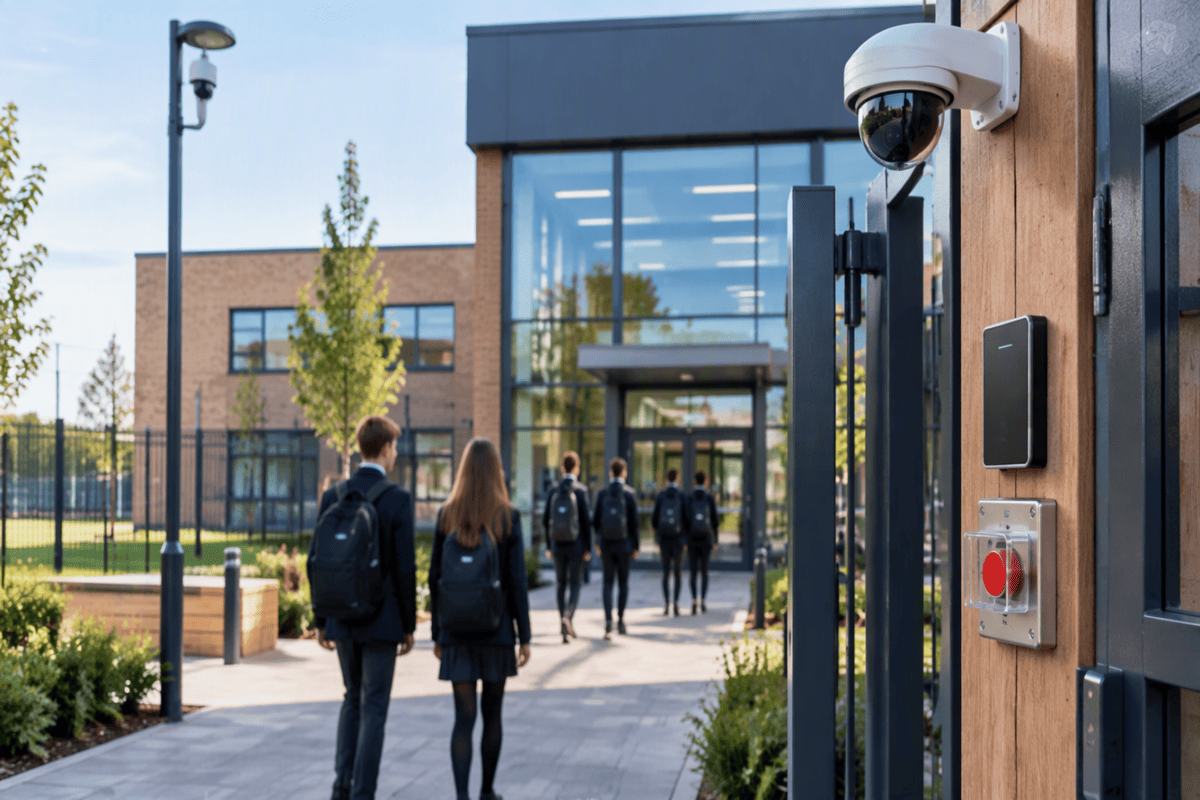
Access control, CCTV and lockdown
Door access, site CCTV that stands up as evidence, and one-button lockdown with emergency communications when something happens on site.
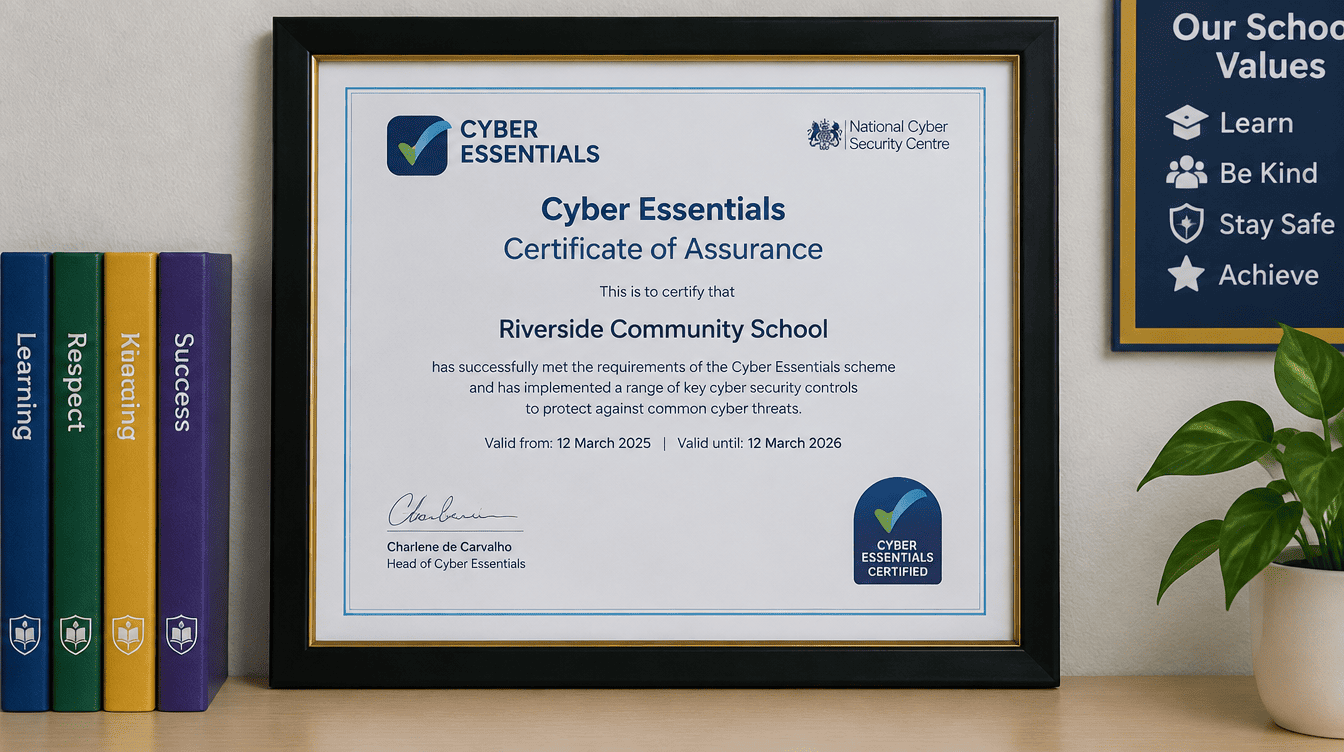
Cyber compliance and DfE standards
A gap analysis against the six core digital standards, a prioritised remediation roadmap out to 2030, and the work to get you to Cyber Essentials or Cyber Essentials Plus.
Where this matters most
The same threats, landing differently depending on the school.
Independent schools
Fee fraud and lookalike domains target independent schools specifically. Reputation is harder to rebuild than a network.
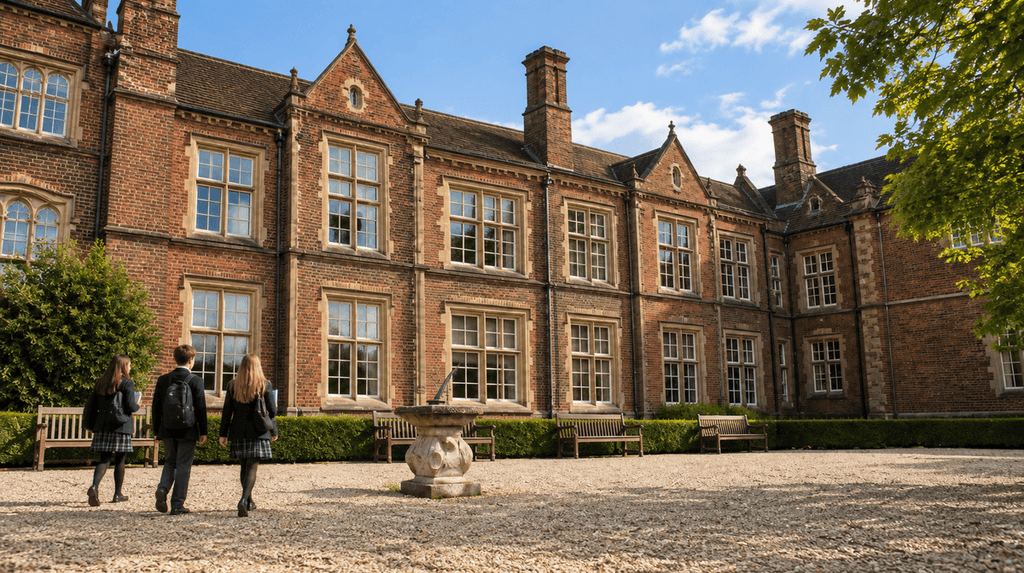
State schools
A ransomware incident closes a school. Filtering and monitoring is also the standard your DSL will be asked about.
Trusts
One incident in one school becomes a trust-level problem. One security standard across every school, reported in one place.
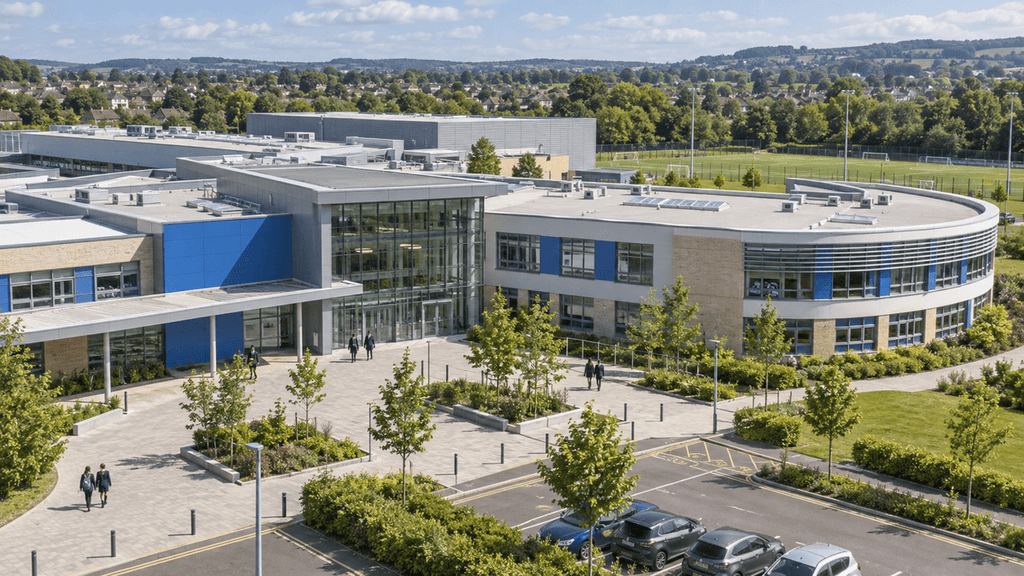
SEND Settings
Safeguarding obligations are heavier and the data held is more sensitive than in almost any other setting.
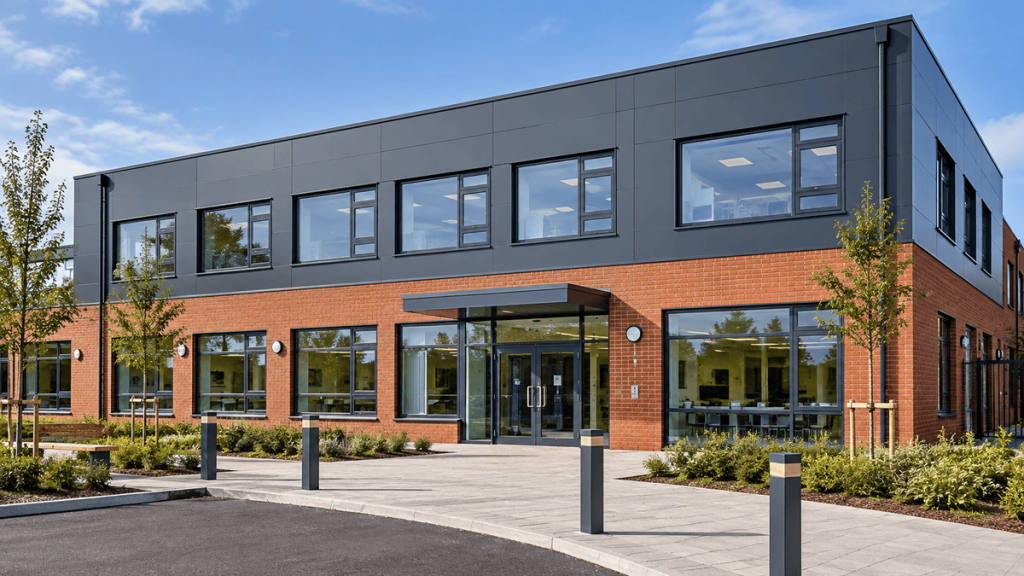
New Builds
Segmentation, access control and CCTV designed in with the building at stage two rather than retrofitted afterwards.
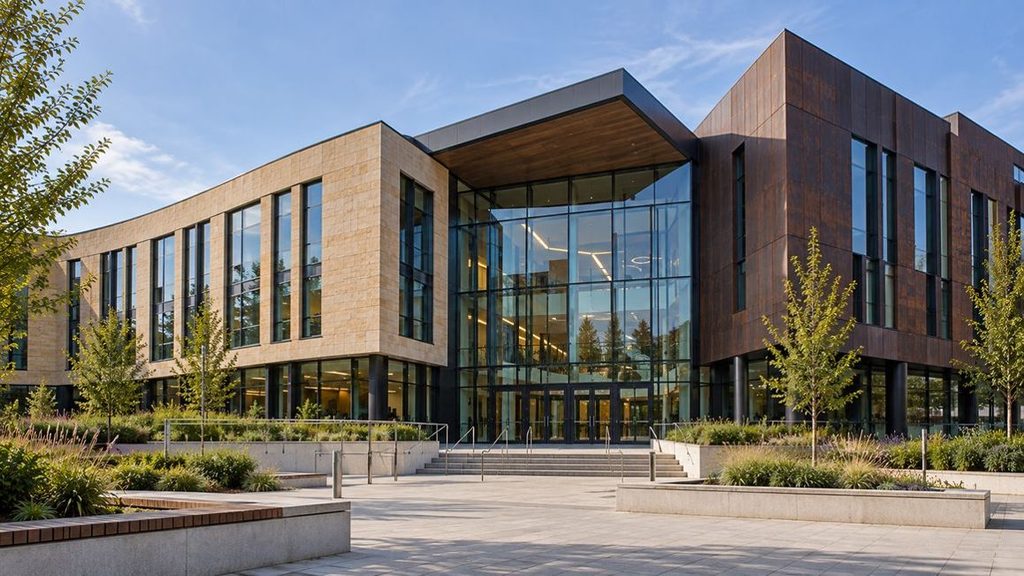
We spotted it before the school did.
An email asked parents to pay fees early. It referenced the VAT change. It came from a domain one character away from the school’s own, so replies never reached the finance office.
Multi-factor authentication hadn’t been enforced on every account. Nobody had flagged it.
We closed the gap, rolled out modern authentication across the school, and had the fake domain taken down within hours.
Training
Buying it is
the easy part.
Schools buy the right technology all the time and never find out what it does. Every solution we deliver comes with training for the people who’ll actually use it, built around how your staff work rather than a manual left on a desk. Run on site or remotely, and repeated when new staff arrive.
Key partners we work with.
The vendors behind your security stack, chosen because they hold up in a school rather than because of a reseller agreement.
















Related reading
Guidance on keeping the school secure.

Come find us at BETT 2027
We'll be at ExCeL London this January with the people who actually do the work: the team who run the…
Read more about Come find us at BETT 2027
The school that didn’t know what it owned
The devices were there. The invoices had been paid. But nobody could say exactly what the school owned, where it…
Read more about The school that didn’t know what it owned
They upgraded everything. They still weren’t compliant
New devices. Faster Wi-Fi. Better security. The investment was significant. The compliance gap remained. Many schools assume DfE compliance comes…
Read more about They upgraded everything. They still weren’t compliantFAQs
What schools ask us most about cyber security and safeguarding.
Can you carry out a full DfE Digital and Technology Standards gap analysis?
Yes. We assess you against the six core standards (broadband, wireless network, network switching, digital leadership and governance, filtering and monitoring, and cyber security), produce a prioritised remediation roadmap, and then carry out the work to close the gaps by 2030. Start with the DfE’s own Plan Technology for Your School self-assessment. We turn what it tells you into a costed, staged plan.
Do you hold Cyber Essentials?
The DfE tells schools to ask whether a provider holds Cyber Essentials or Cyber Essentials Plus, and how the provider protects the school from an incident affecting the provider itself. We hold both Cyber Essentials, Cyber Essentials Plus and IASME Cyber Assurance Level 2. Not only do we hold these, we are also an industry-recognised Cyber Essentials Certification Body.
What actually happens if we’re attacked?
Monitoring your servers and fixing your laptops is not the same as detecting, containing and recovering from a ransomware attack. We isolate affected devices, establish what was reached, restore from immutable backup, and support you through the reporting obligations that follow.
Our filtering came with the broadband. Isn’t that enough?
Rarely. The DfE filtering and monitoring standards expect a defined level of blocking, monitoring and reporting, and expect your safeguarding lead to be able to see it. We can check what you have against the standard and tell you what’s missing.
Do we have to fix everything at once?
No. The roadmap is staged across budget years and ordered by risk, so the things most likely to hurt you are dealt with first.
Still have questions?
Talk to us directly and get the answer you need.
Not sure if this is
what you need?
Most schools aren’t. That’s what the conversation is for. We’ll tell you what’s actually worth doing, and what isn’t.