
Microsoft 365, Google Workspace and school software
You’re already paying for more than you use.
Microsoft 365 and Google Workspace can do considerably more than most schools use, and most schools are paying for licences nobody has needed in years. We set the platforms up properly, get the licensing back in order, and show staff the parts that will genuinely save them time.

What’s included
Five things that make up the tools your staff work in every day.
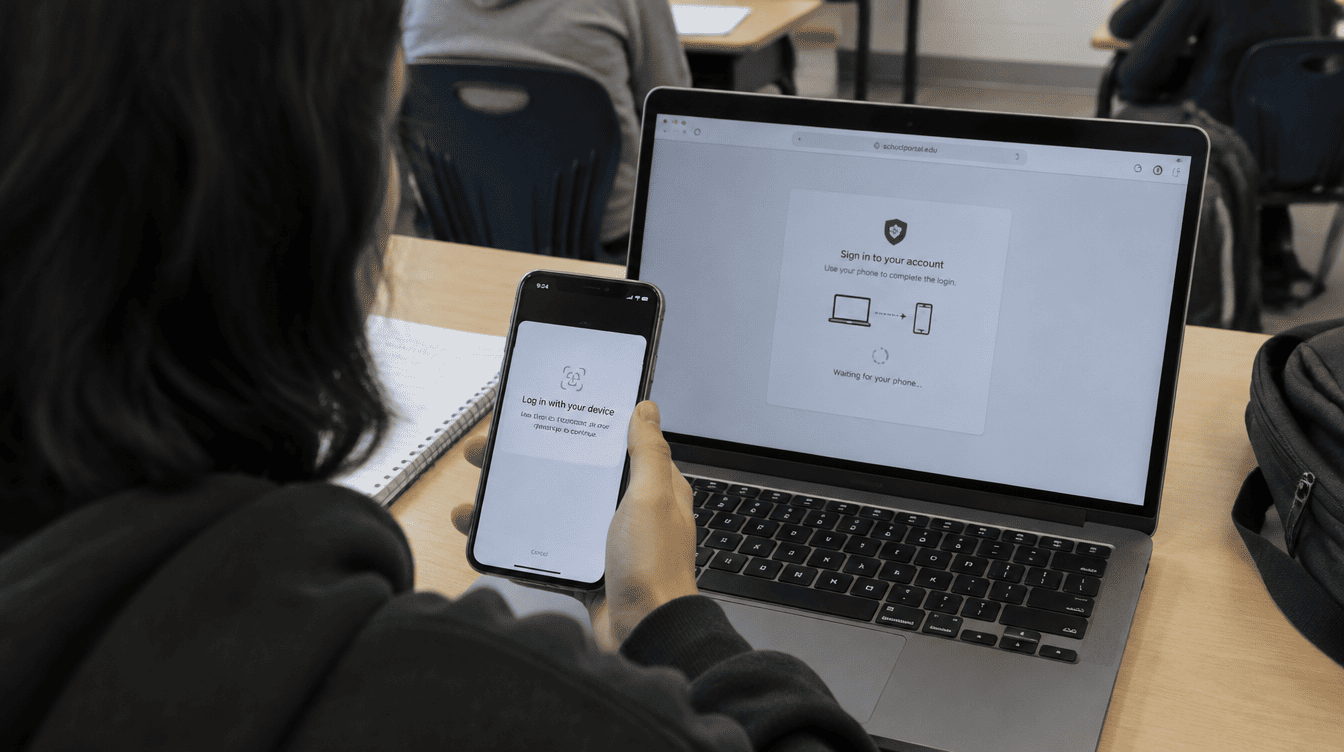
Microsoft 365 and Google Workspace
Tenants configured properly. Identity, sharing, retention and security baselines set the way a school needs them rather than left on the defaults nobody has revisited.
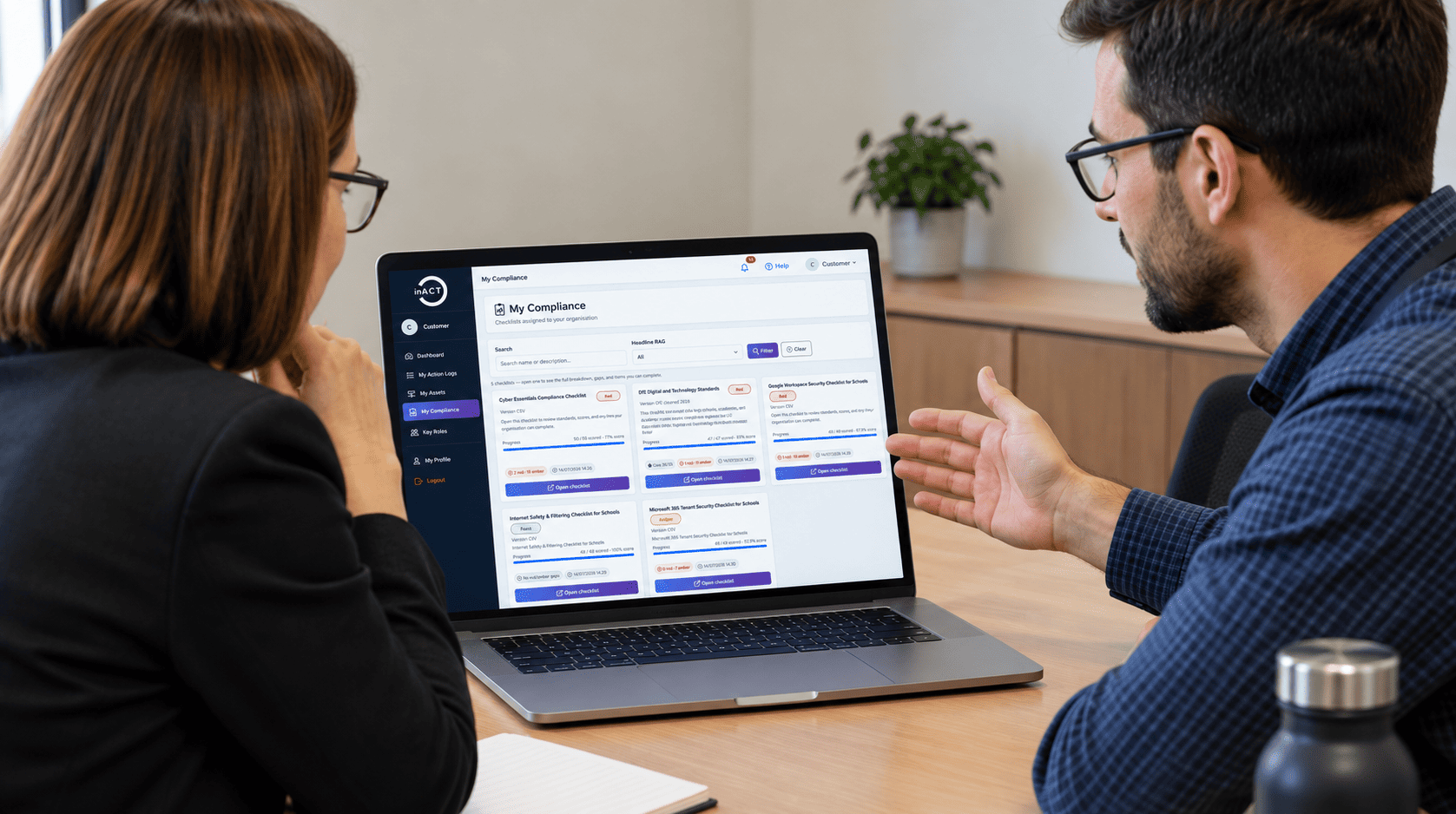
Software and licensing
Licences audited, right-sized and renewed on time, including the education pricing schools are entitled to and frequently don’t claim.
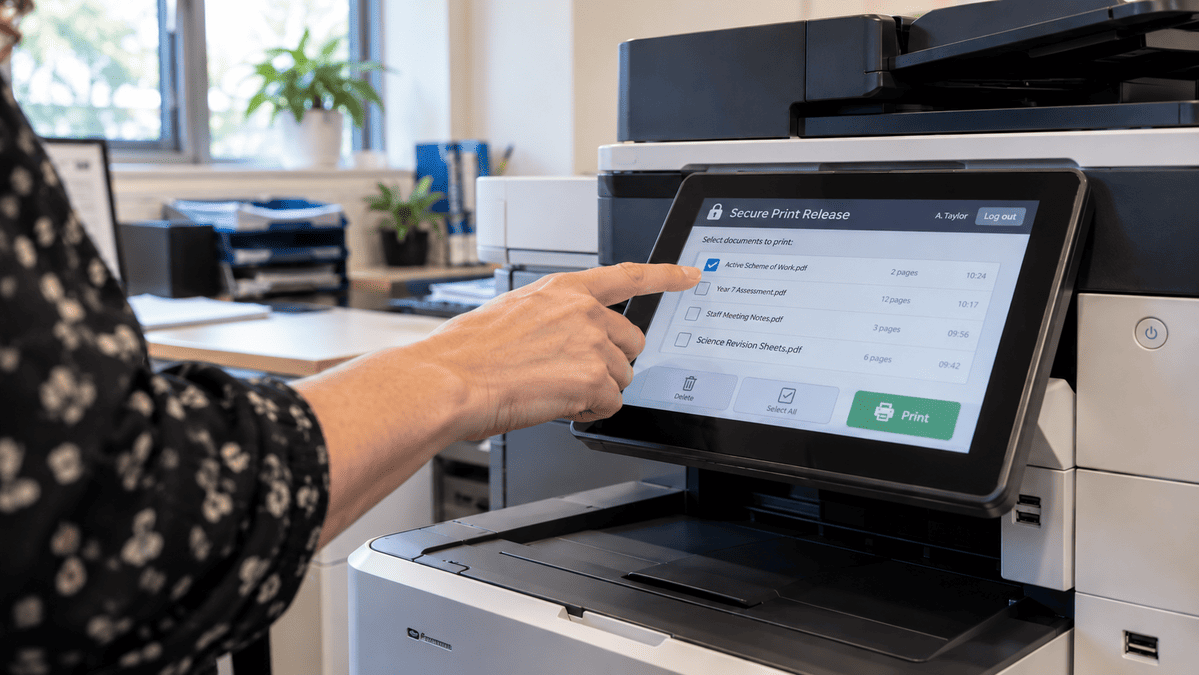
Secure follow-me printing with per-user reporting, so printing costs less and confidential documents stop sitting in the tray.

Custom apps
Small applications and automations built around a workflow your school already has, for the times the off-the-shelf option genuinely doesn’t fit.

AI
Copilot and the rest, deployed where it saves staff real time, with data protection and governance settled before anyone turns it on.
Start where you are
Choose your institution…
Independent schools
Staff time is expensive and parents expect a quick, professional response. The platforms should be doing more of that work.

State schools
Licensing is often the quickest saving available in the budget, and the one nobody has had time to look at.

Multi-academy trusts
One tenant strategy across schools that each bought their own, with identity that still works when staff move between them.

SEND Settings
Accessibility tools built into Microsoft 365 and Google that most settings already pay for and rarely switch on.

New Build
Identity, email and file storage set up cleanly from the start rather than migrated out of three legacy systems later.

Training
Buying it is
the easy part.
Schools buy the right technology all the time and never find out what it does. Every solution we deliver comes with training for the people who’ll actually use it, built around how your staff work rather than a manual left on a desk. Run on site or remotely, and repeated when new staff arrive.
Key partners we work with.
The vendors behind your security stack, chosen because they hold up in a school rather than because of a reseller agreement.




















Related reading

The school that didn’t know what it owned
The devices were there. The invoices had been paid. But nobody could say exactly what the school owned, where it…
Read more about The school that didn’t know what it owned
The 160k of servers they didn’t need
Before replacing ageing servers, schools should consider cloud migration to cut long-term costs and invest more in teaching technology.
Read more about The 160k of servers they didn’t need
The new school was taking shape, the IT was far from functioning
The classrooms had been carpeted. The furniture had been ordered. The opening date was fixed. But behind the walls, another…
Read more about The new school was taking shape, the IT was far from functioningFAQs
What schools ask us most about Microsoft 365, Google and licensing.
Should we move everything to the cloud?
Cloud-first is not the same as cloud-only. Some things belong in the cloud, some are cheaper and faster staying on site, and a few can’t move at all. We’ll tell you which is which for your school rather than moving everything and calling it a strategy.
Are we paying for licences we don’t use?
Very often, yes. It is one of the quickest savings available and one of the easiest things to lose track of as staff come and go. We audit what you hold against what is actually being used.
Should we let staff use AI?
They already are. The real question is whether it is happening on school accounts with data protection in place, or on personal ones without. We would get the governance and the tenant settings right first, then show staff where it genuinely helps.
Microsoft or Google?
Plenty of schools run both, and that is fine as long as identity is handled properly. We will work with what your staff already know rather than putting them through a migration for the sake of tidiness.
Can you bring our printing costs down?
Usually. Follow-me printing with per-user reporting tends to cut volume on its own, before anyone renegotiates a contract.
Still have questions?
Talk to us directly and get the answer you need.
Not sure if this is
what you need?
Most schools aren’t. That’s what the conversation is for. We’ll tell you what’s actually worth doing, and what isn’t.